Hearts of Iron IV Multiplayer: How to Play Together
Get started with Hearts of Iron IV multiplayer: learn how lobbies, co-op, host DLC, matching mods, and group rules help you plan a campaign with friends.
Jump to
How Does Multiplayer Work?
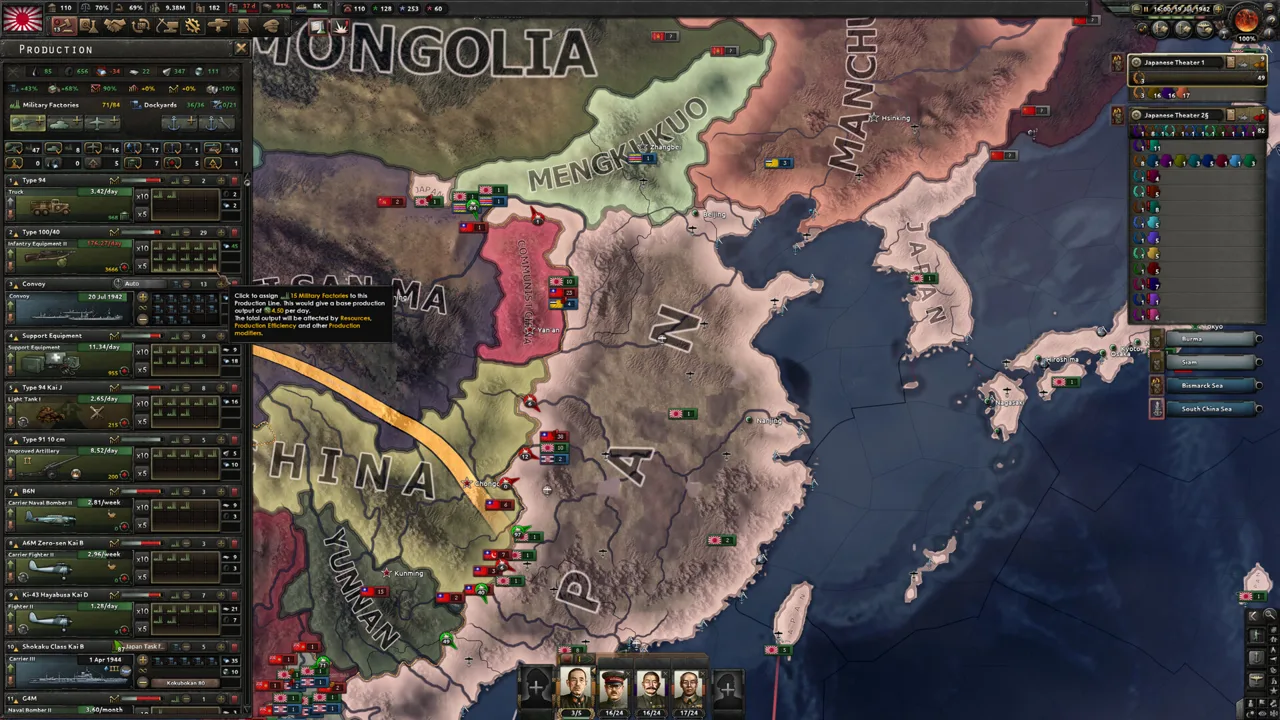
Hearts of Iron IV multiplayer lets you join or host custom campaigns, cooperate with friends, or fight human opponents in World War II. Play online or over LAN, and agree on the game version, mods, and campaign rules before starting. For a first session, choose a group that welcomes beginners.
The campaign still revolves around national focuses, industrial development, diplomacy, and military operations. Human allies add coordination: your production choices and attack plans become part of someone else’s strategy.
| Feature | What it means for your campaign |
|---|---|
| Custom lobbies | Host a campaign or join another player’s game |
| Cooperative play | Work with other players to win the war |
| Connection options | Play through an internet connection or LAN |
| Group size | Plan around a recommended maximum of 32 players; practical capacity depends on host hardware |
| Hot join | Enter an ongoing campaign when the host enables it |
The game supports these PC platforms and multiplayer features:
- Windows, macOS, and Linux.
- Cross-Platform Multiplayer.
- Co-op and Online Co-op.
- Steam Workshop support for mods.
Official page: Hearts of Iron IV (paradoxinteractive.com)
Get Your Version, Mods, and DLC Ready
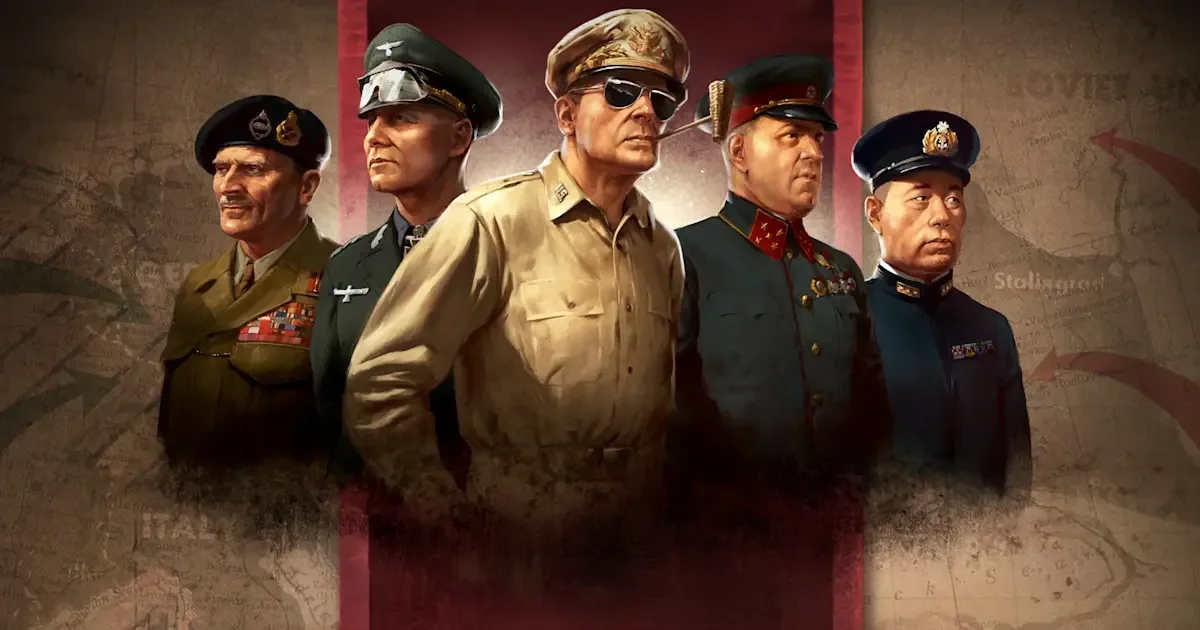 Image: www.paradoxinteractive.com
Match the host’s game version and checksum before joining. The checksum helps identify whether your game setup matches the campaign. Gameplay-changing mods can alter it, so sharing the same game title alone does not make two installations compatible.
Prepare your setup before the group gathers:
- Ask the host which game version the campaign uses.
- Match the host’s active mods.
- Compare checksums before trying to join.
- Confirm whether the campaign accepts players after it starts.
The host’s active gameplay expansions are available to players in that multiplayer session, including guests who own only the base game. You do not need to buy every expansion merely to join a host using them.
The host’s DLC setup also affects what you need to learn. Ask which national focus tree and gameplay systems your chosen country will use before planning its opening moves.
Find a Group With Compatible Expectations
A campaign needs more coordination than simply filling a lobby. Before committing, agree on how long everyone can play and whether the group intends to continue together.
Use a shared chat space, such as Discord, to arrange the session and communicate during the war. Discuss these points before choosing countries:
- Campaign style: Historical direction or alternate-history experimentation.
- Experience level: Beginner instruction, casual cooperation, or competitive play.
- Attendance: Who can stay for the planned session.
- Conduct: Expectations around exploits, disruptive behavior, and leaving early.
Playing with friends makes it easier to agree on a particular scenario. An organized group offers another route when your friends do not share your interest in grand strategy.
Remember that historical AI focuses guide computer-controlled nations. Agree separately on expectations for human players; that setting does not replace campaign rules.
Prepare Your Country to Help Your Allies
Choose a country with your group and define its responsibilities before building an army. For a cooperative campaign, agree on who will cover each front and where air or naval support is needed.
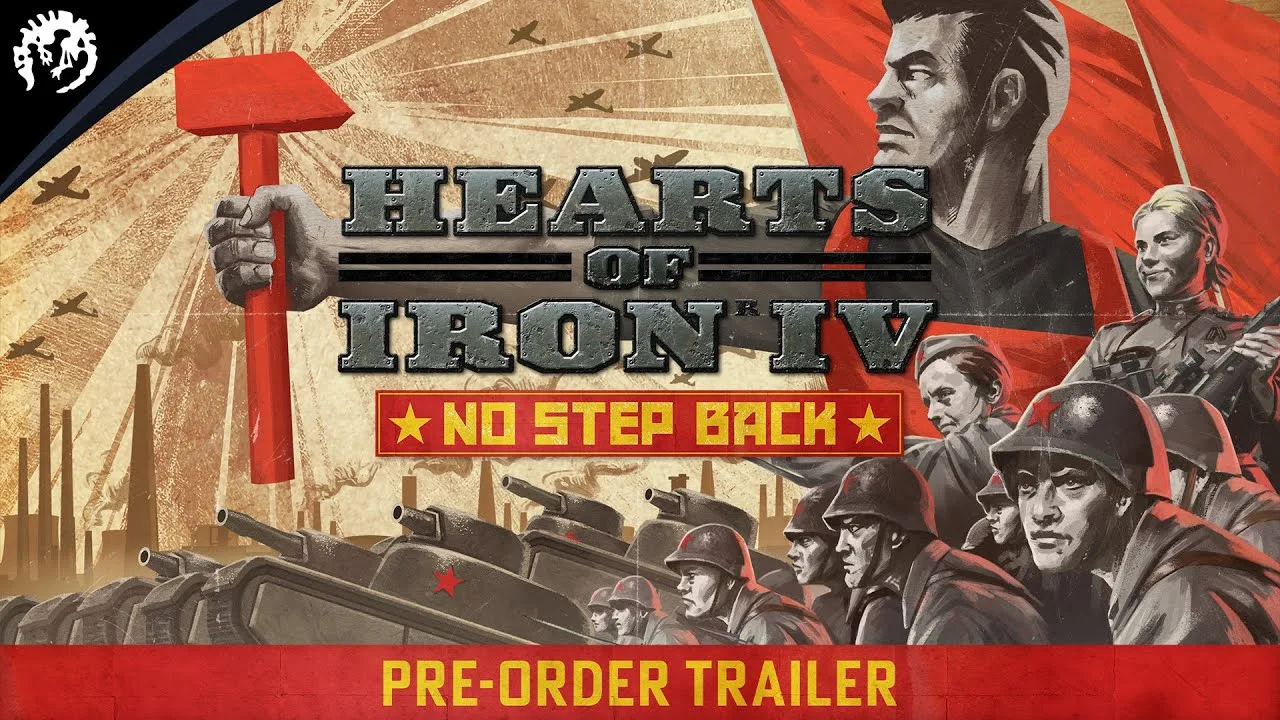
Keep research slots occupied, and connect equipment production to the units you actually intend to field. Frequently switching military production lines reduces production efficiency, so avoid repeatedly changing plans without discussing the consequences.
Watch equipment stockpiles before expanding division templates. Editing a template also changes deployed divisions using it, potentially creating shortages across your army. Duplicate the template before experimenting if you want to preserve the existing design.
Check supply before sending more divisions to an allied front. Supply hubs and ports distribute supplies to troops; railways connect the network. Keep trains, trucks, and convoys available, and coordinate deployments rather than crowding additional armies into an already strained area.
Before an attack, tell your allies where you intend to advance and what support you need. That gives them a concrete plan to respond to.
Handle Joining Problems and Slowdowns
If joining fails, compare the game version, active mods, and checksum with the host first. Then ask whether the lobby is accepting players and whether hot join is enabled for an ongoing campaign.
Contact the host before repeatedly attempting to enter.
Campaign performance also depends on computer hardware and connection quality, with late-game processing adding pressure. Choose a host with capable hardware and a reliable connection, and agree on an acceptable pace before committing the group to a long campaign.
Continue exploring
Hearts of Iron IV Formable Nations: Cores and Unlocks
Explore Hearts of Iron IV formable nations, how decisions and focus paths create them, what cores change, and which achievement goals to plan a run around.
Hearts of Iron IV Thunder at Our Gates: DLC Explained
Discover Hearts of Iron IV Thunder at Our Gates, including Army HQs, ship captains, three national focus trees, pricing, and what the free patch adds.
Join the community
Official channels for news, updates and player help: